
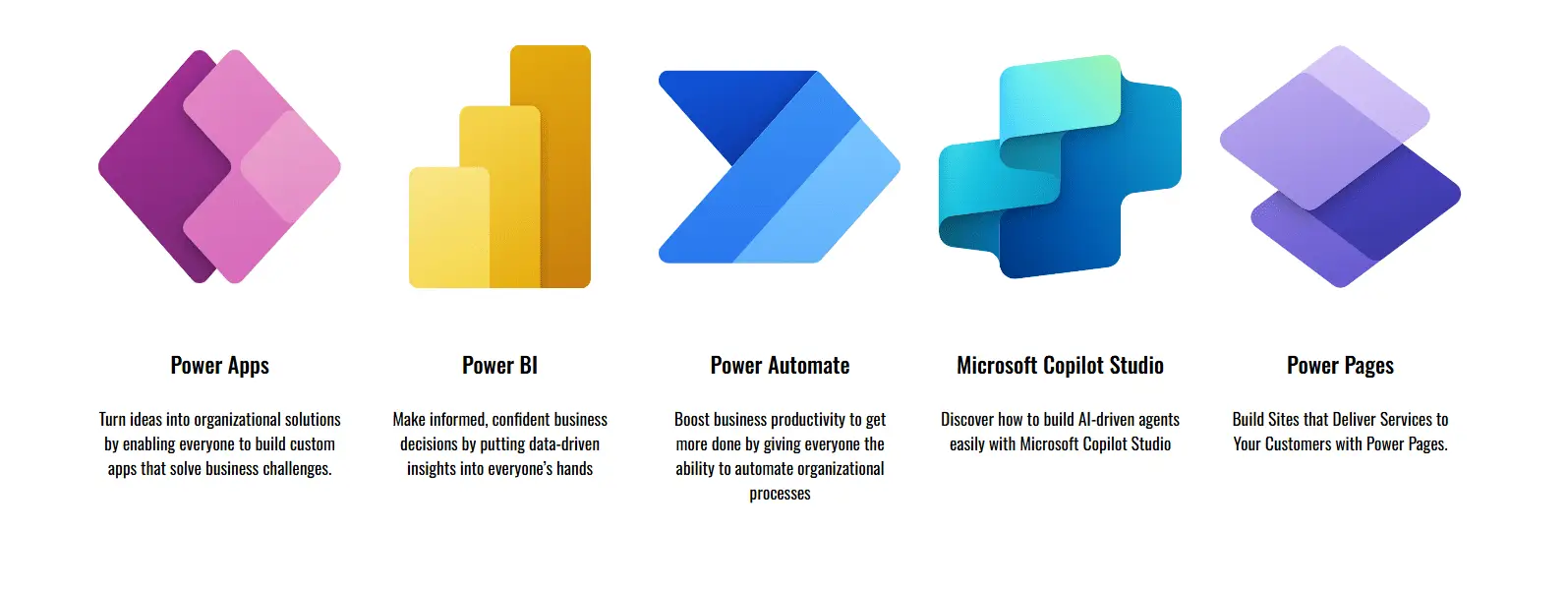
The Microsoft Power Platform is a collection of business analytics and productivity tools that includes Power BI, Power Apps, Power Automate, Copilot Studio, and Power Pages.
These tools can be used together or separately to help businesses analyze data, build custom business applications, and automate workflows.
The Power Platform allows users to create solutions tailored to their specific requirements, without depending exclusively on IT departments or external developers. Users can create solutions tailored to their specific requirements: developing a customized dashboard for real‑time insights, automating routine processes, or implementing a chatbot to enhance customer service, the Power Platform enables organizations to innovate efficiently.
Here access to Microsoft Power Platform documentation official site.
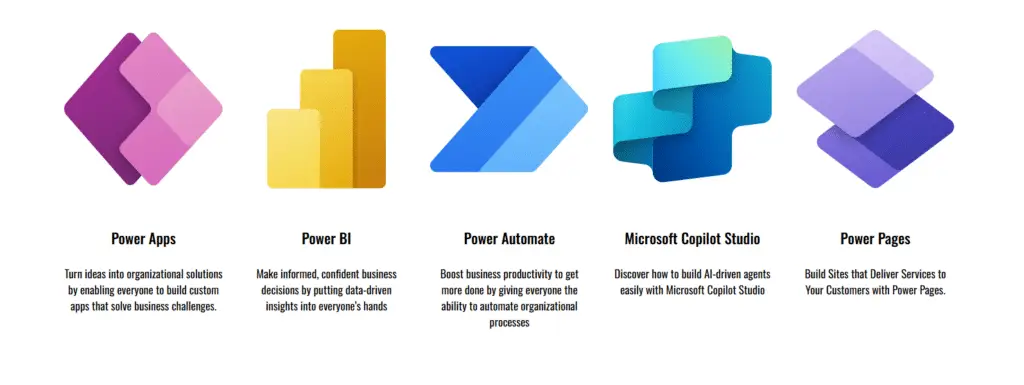
Power Apps is a platform for building custom business applications. It allows you to create apps for web and mobile devices that can connect to data sources, including Excel, SharePoint, and Dynamics 365.
Power Automate is a tool for automating workflows and tasks. It allows you to create “flows” that can be triggered by events or scheduled to run at specific times. These flows can perform a variety of actions, such as sending emails, creating records in databases, and interacting with other systems and services.
Copilot Studio helps us to create Agents to build intelligent chatbots without needing to write code. These agents can converse with users, automate tasks, and integrate with business data and systems, all without requiring advanced programming skills.
Power BI is a tool for creating and sharing interactive data visualizations and reports. It allows you to connect to a variety of data sources, build dashboards and reports, and share them with others.
Power Pages enables us to create business websites. It allows organizations to create external‑facing portals.
Main components of the Power Platform

These components form the common foundation that powers all products across the platform ensuring consistency, security, and seamless integration across.
Copilot
AI-based assistance is embedded across all Power Platform products, helping users build apps, automate workflows, analyze data, and create content using natural language.
Microsoft Dataverse
A secure, cloud‑based data platform that stores and manages business data used by Power Platform apps. It includes tables, relationships, security roles, and governance capabilities.
Connectors
Prebuilt integrations that allow Power Platform solutions to communicate with external services (e.g., SharePoint, SQL, Salesforce, Dynamics 365, Office 365, and hundreds more). There are standard and premium connectors.
Power Fx
The low‑code programming language of the Power Platform. It is similar to Excel formulas, making it accessible to business users while remaining powerful for developers.
AI Builder
A capability that allows users to add artificial intelligence to apps and workflows—for example, form processing, prediction models, object detection, and sentiment analysis.
Conclusion What is Microsoft Power Platform?
In short, the Microsoft Power Platform provides a unified, low‑code element that helps organizations analyze data, build apps, and automate processes with ease.
By empowering users across all skill levels, it enables faster innovation and more efficient, connected solutions that create meaningful impact.
At Creativity Spark, we help business users to design and deliver solutions with Microsoft Power Platform. Book an appointment and discover how we can help you transform your ideas into reality.
Contact now: Book to know about Power Platform.